 Postozo
Share every new blog post on social media automatically
Add an RSS feed and Postozo turns new articles into posts for the channels you pick.
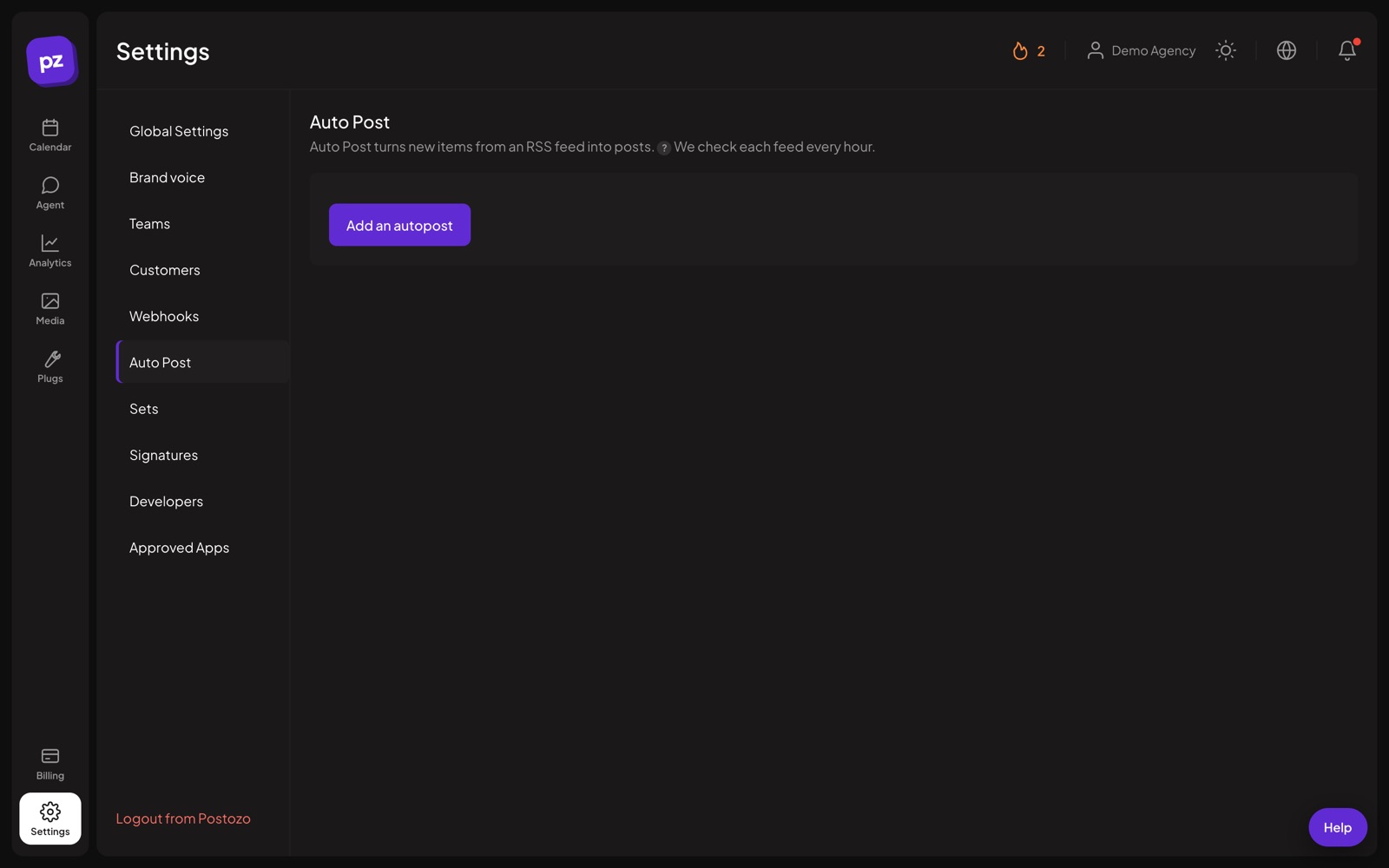
What you can do
Any RSS or Atom feed
Most blogs and news sites have one. Paste the address and pick the channels.
Your own template
Choose the text, for example the title and the link.
AI intro
Let the AI write a short intro for each article in your brand voice.
Pictures
Use the article picture in the post when the feed has one.
Checked every hour
New items are picked up every hour, up to 3 at a time.
On or off any time
Pause a feed without deleting it.
Set up RSS to social media in 4 steps
Paste the feed address
Most blogs have 1, often at /feed or /rss. Postozo reads it right away and shows the newest items, so you know it works.
Pick channels and a template
Choose where new articles go. Write a template with {title}, {link} and {description}, or keep the default of title and link.
Choose how posts are made
Put each new article in the next free posting time, post it right away, or save it as a draft for a person to check.
Let it run
The feed is checked every hour. Up to 3 new items become posts each time, oldest first. Pause it whenever you like.
Example: a blog that shares itself
A travel blogger publishes 2 articles a week on WordPress. She adds her feed, picks Facebook, LinkedIn and Pinterest, and turns on the AI intro and the article picture. New articles now land in the next free slot of each channel with a short intro in her voice. Older articles are not posted, because the feed starts from the newest item.
Tips to get more from it
- Start with drafts mode for the first week to see what the posts look like, then switch to the next free slot.
- Use {description} for networks with room, like LinkedIn and Facebook, and only {title} and {link} for X.
- If your feed has no pictures, turn off the picture option and add a fixed image in a set instead.
Who it is for
- Content teams get every blog article onto social media without a copy and paste step. See Marketing teams.
- Small businesses with a news page keep their social channels active with no extra work. See Small business.
- Writers and podcasters share each new episode or article the moment it is out. See Creators.
Plans and limits
RSS auto post needs the Team plan or higher. See Pricing for every limit.
| Limit | Standard | Team | Pro | Ultimate |
|---|---|---|---|---|
| RSS auto post | No | Yes | Yes | Yes |
| AI intro (uses AI writing uses) | No | Yes | Yes | Yes |
Works with these channels
RSS auto post works on every connected channel. These are the ones people use it with most:
See all channels, or compare Postozo with other tools on the compare page.
Questions
Which plans include auto post?
Team, Pro and Ultimate. See Pricing.
Will old articles be posted?
No. Only items that appear after you add the feed.
Can a person check the post before it goes out?
Yes. Choose drafts as the mode, and each new article becomes a draft on the calendar.
What can the template include?
The article title, link and a description of up to 400 characters, in any order, with your own words around them.
Is RSS still used?
Yes. Most blogs, news sites and podcasts still publish a feed. WordPress adds one to every site at /feed.
Can I auto post my blog to Facebook and LinkedIn?
Yes. Pick Facebook Pages, LinkedIn and any other channels when you add the feed. New articles become posts, or drafts if you want to check them first.
Related features
AI assistant
Write a post from a short idea, improve it, translate it or fit it to each network. You see every suggestion before it changes your post.
Read moreCalendar
See every scheduled, published and draft post in 1 place. Switch between day, week, month and list, and drag a post to move it.
Read morePost editor
The post editor sends 1 text to all the channels you pick. Change the text, pictures or settings for a single channel without touching the others.
Read moreAPI and MCP
A public API, an MCP server for AI apps, a command line tool and signed webhooks, all included in every plan.
Read moreStart planning your posts today
Create your account and publish your first post in 5 minutes.
Create your free account