
An AI social media post generator that writes in your brand voice
Write a post from a short idea, improve it, translate it or fit it to each network. You see every suggestion before it changes your post.
What you can do
Brand voice
Tell Postozo what the business does, who it talks to, the tone and the words to use or avoid. Every AI suggestion follows it.
Write from an idea
Type a few words and get a ready post you can edit.
Improve and rewrite
Make a post shorter, longer, more casual or more professional, or fix spelling and grammar.
Translate
Translate into 24 languages, including Hindi and 9 more Indian languages such as Tamil, Bengali and Marathi.
Fit for each channel
Turn 1 post into a version for each network that stays within its character limit.
Plan my week
Give your topics and goal. The AI drafts a week of posts across your channels as drafts for you to review.
Explain my results
Get a plain summary of your analytics and 3 ideas to try, based only on your real numbers.
Hashtags, first comments and alt text
Get hashtag ideas, a first comment, and image descriptions for people who use screen readers.
Best time to post
Once a channel has 5 published posts with statistics, get the 3 hours that did best. Until then it uses the channel's posting times.
Generate social media posts with AI in 4 steps
Set your brand voice
In Settings, open Brand voice. Describe the business, the audience, the tone, and the words to use or avoid. Each workspace has its own voice.
Ask from the editor
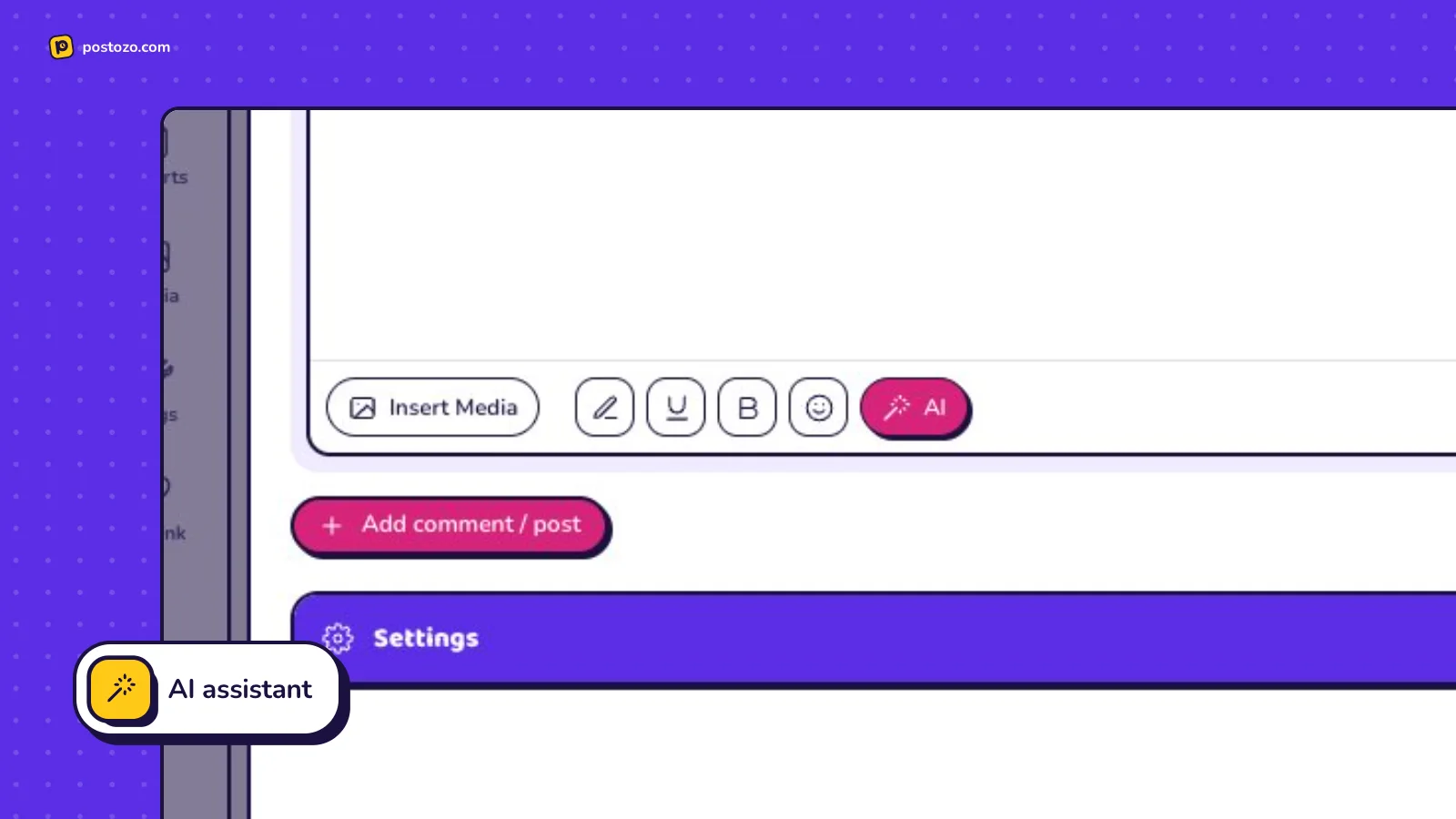
Open the AI menu in the post editor. Write from an idea, improve, translate, add hashtags, write a first comment, fit the post to each channel or describe an image.
Review, then accept
You see the suggestion next to your text. Accept it, try again or close it. Nothing in your post changes until you accept.
Plan and learn
Use Plan my week to get a week of drafts, and Explain my results on the analytics page for a plain summary of your own numbers.
Example: a clinic writes in 2 languages
A dental clinic sets its brand voice: friendly, simple words, no promises about results. The owner types "monsoon tooth care tips". The AI writes a post. She asks for a shorter version for X, a Hindi translation for Facebook and hashtag ideas for Instagram. She changes 1 line by hand and accepts the rest. Each request counts as 1 AI writing use.
The brand voice, field by field
The brand voice has 7 parts: what your business does, who your posts are for, the tone of voice, words to use, words to avoid, default hashtags and the language for new posts. Every AI action reads it, so the first draft already sounds like you. Each workspace has its own voice, so an agency keeps 1 per client. Only owners and admins can change it.
What each AI action does
In the post editor, the AI menu can write a post from a few words, improve a post while keeping its meaning and facts, make it shorter or longer, more casual or more professional, fix spelling and grammar, translate it into 24 languages, suggest hashtags and a first comment, fit the text to each channel, and write alt text for pictures. Every suggestion shows next to your text, and nothing changes until you accept it. AI pictures are made from a prompt and use a separate monthly allowance.
Outside the editor, Plan my week drafts a week of posts from your topics and goal, using each channel's posting times, and saves them as drafts. Explain my results reads your analytics and writes a short summary with 3 ideas, using only the real numbers on the page. The AI agent in the menu can plan, write and schedule posts in a chat, and always shows you the posts before it schedules anything.
Counting and limits
Each time AI writes, improves, translates, plans or explains counts as 1 use. Plan my week counts each post it drafts. The allowance resets on the 1st of each month, and Settings shows how much is left. When the allowance is used up, AI buttons say so; the rest of Postozo keeps working. We do not use your content to train AI models.
Limits and rules
| AI writing uses a month | Standard 300, Team 1,000, Pro 3,000, Ultimate 10,000 |
| AI pictures a month | Standard 20, Team 100, Pro 300, Ultimate 500 |
| Languages for translation | 24, including Hindi |
| Reset | On the 1st of each month |
| Training | Your content is not used to train AI models |
Good requests get good drafts
The AI writes from what you give it. "Post about our sale" gets a vague post. "Monsoon sale, 20% off all umbrellas, 1 to 7 July, only in our MG Road shop, friendly tone" gets a post you can use. Give the facts, the audience and the 1 thing you want people to do. Then ask for changes in plain words: shorter, more casual, add a question at the end.
What the AI never does
It never publishes or schedules by itself from the editor: every suggestion waits for you to accept it, and Plan my week saves drafts. It never invents numbers for Explain my results; it only reads the numbers on the page. It does not see other workspaces, and your content is not used to train AI models. If the server has no AI key, the AI buttons say so and the rest of Postozo works as normal. The app itself can also be used in Hindi; see languages.
Tips to get more from it
- Spend 5 minutes on the brand voice first. The words to avoid list is the quickest way to make drafts sound like you.
- Ask for a draft, then edit it by hand. The best posts still have 1 detail only you know.
- Use fit for each channel after the main text is final, not before, so every version carries the same facts.
Words on this page, explained
| Brand voice | Your description of how posts should sound, used by every AI action. |
| AI writing use | 1 request to write, improve, translate, plan or explain. |
| Prompt | What you type to tell the AI what you want. |
| Alt text | A short description of a picture for people who cannot see it. |
Mistakes to avoid
- Skipping the brand voice. 5 minutes there saves editing every draft afterwards.
- Accepting facts you did not give. Give real offers, prices and dates; the AI does not invent them, but always read before you accept.
- Fitting text per channel before the main text is final. Do it last, so every version carries the same facts.
Who it is for
- Small business owners get a first draft in seconds instead of staring at an empty box. See Small business.
- Agencies keep a separate brand voice per workspace, so each client sounds like itself. See Agencies.
- Creators fit 1 idea to every network in 1 step. See Creators.
How other tools handle AI writing help
Of the 12 social media tools we compare, 12 list AI writing help on their own pricing, feature or help pages:
- Postiz: included
- Buffer: included
- Hootsuite: included
- Later: included
- Sprout Social: included
- Metricool: included
- SocialPilot: included
- Publer: included
- Sendible: included
- Vista Social: included
- Planable: included
- Agorapulse: included
Plans and limits
Every plan includes the AI assistant and brand voice. The monthly allowance grows with the plan. Each request to write, change, translate, plan or explain counts as 1 use. See Pricing for every limit.
| Limit | Standard | Team | Pro | Ultimate |
|---|---|---|---|---|
| AI writing uses a month | 300 | 1,000 | 3,000 | 10,000 |
| AI images a month | 20 | 100 | 300 | 500 |
| Brand voice | Yes | Yes | Yes | Yes |
Works with these channels
AI assistant works on every connected channel. These are the ones people use it with most:
See all channels, or compare Postozo with other tools on the compare page.
Does the AI post anything by itself?
No. Suggestions only change a post after you accept them, and planned posts are saved as drafts.
Is my content used to train AI?
No. We do not use your content to train AI models. See the Privacy policy.
How many AI uses do I get?
It depends on your plan. See Pricing.
Which languages can it translate into?
24 languages, including English, Hindi, Bengali, Marathi, Gujarati, Tamil, Telugu, Kannada, Malayalam, Punjabi, Urdu, Spanish, French, German, Arabic, Japanese and Chinese.
Does Explain my results make up numbers?
No. It only uses the statistics your channels really returned. If there is not enough data, it says so.
Is there a free AI social media post generator in Postozo?
The AI assistant is part of every paid plan and the 7 day free trial, with a monthly allowance. It is not a separate free tool.
Can the AI create images for posts?
Yes. Every plan includes a monthly number of AI images. You see each image before you add it to a post.
Can AI write captions for Instagram?
Yes. Ask it to write, shorten or fit a caption for Instagram, suggest hashtags or write a first comment.
Can the AI plan a whole week?
Yes. Plan my week drafts posts for your channels from your topics and goal. They are saved as drafts for you to check.
Can I talk to the AI agent?
Yes. Open Agent in the menu and ask, for example, "plan 5 posts for next week". It shows the posts and asks before it schedules.
Can I use my own AI app instead?
Yes. Connect Claude, ChatGPT or Cursor through the MCP server, which does not use your AI allowance.
Related features
Post editor
The post editor sends 1 text to all the channels you pick. Change the text, pictures or settings for a single channel without touching the others.
Read moreAnalytics
Follow results for each channel and each post, count clicks on your links, and find the best time to post.
Read moreRSS auto post
Add an RSS feed and Postozo turns new articles into posts for the channels you pick.
Read moreAPI and MCP
A public API, an MCP server for AI apps, a command line tool and signed webhooks, all included in every plan.
Read moreStart planning your posts today
Create your account and publish your first post in 5 minutes.
7 day free trial. No card needed.