
What is new
New features and fixes in Postozo, newest first. Every entry links to the page that explains it.
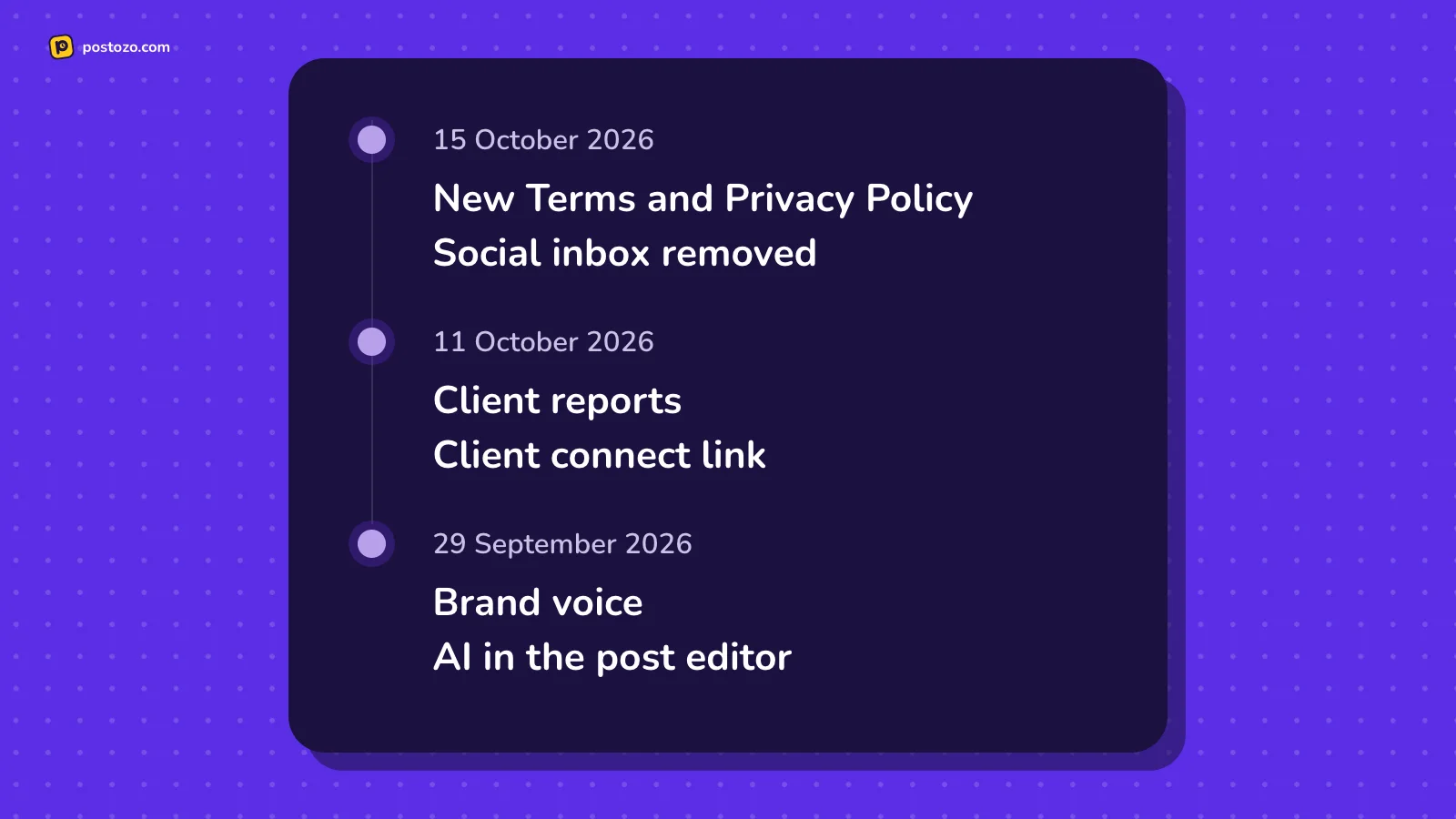
15 October 2026
Terms and privacy
- New Terms and Privacy Policy. Clearer rules on accounts, payments, connected networks, AI, liability and disputes, and a full list of the data we keep and why. Creating an account now says that you agree to them. Read the Terms of Service and the Privacy Policy.
The social inbox is gone
- Social inbox removed. Postozo no longer reads comments, mentions or reviews, and the Inbox screen is gone, so we can put that time into planning, approval, publishing and results. Answer people in each network's own app. Connecting Facebook and Threads no longer asks for the 2 permissions the inbox needed. See all features.
11 October 2026
For agencies
- Client reports. Totals, posts per day, each channel's numbers and the top posts on 1 page: share a link, save a PDF, or email it weekly or monthly to up to 10 people, with your brand on it when you use white label. See client reports.
- Client connect link. Send a client a link; they sign in to their own accounts and the channels land under their name, with no passwords shared. See client connect link.
Plan and post faster
- Bulk upload. Up to 500 posts from a CSV file, every line checked against each network's rules before anything is created. See bulk upload.
- Browser extension. Share a page, the text you picked, a link or a picture to the post editor, from the toolbar, the right-click menu or Alt+Shift+P. See the browser extension.
- Link in bio pages. A page at app.postozo.com/@name with your links, social icons and a grid of your latest posts, in 6 themes, counting views and clicks without scripts or cookies. See link in bio.
On your phone, in your language
- The app on phones and computers. Install Postozo from the browser on Android, iPhone, Windows and Mac, with push notifications for failed posts, approvals and new client connections. See the mobile app.
- Hindi. Use the whole app in Hindi from the globe button. Your posts, comments and names stay as written. See languages.
- Easier on small screens. New post, your channels and Add channel sit at the top of the calendar on phones, and short dialogs open from the bottom of the screen.
- Clearer Add Channel. Networks you can connect today come first; the ones waiting for approval are in a Coming soon list, where you can ask to be told when they open.
Answer people from 1 place
- Social inbox. Comments, replies, mentions and Google reviews from Facebook Pages, Instagram, Threads, YouTube, LinkedIn Pages, Google Business Profile, Bluesky and Mastodon in 1 list. Reply, like where the network allows, give an item to a teammate, mark it done. A review of 3 stars or less tells you at once. Removed on 15 October 2026.
29 September 2026
AI assistant
- Brand voice. Describe the business, the audience, the tone and the words to use or avoid. Every AI suggestion follows it, per workspace.
- AI in the post editor. Write from an idea, improve, shorten or lengthen, make it more casual or more professional, fix spelling, translate into 24 languages including Hindi, suggest hashtags and a first comment, fit the post to each channel, and write alt text for pictures. Nothing changes until you accept.
- Plan my week. Give your topics and goal, and get a week of posts as drafts across your channels.
- Explain my results. A plain summary of your analytics with 3 ideas to try, using only your real numbers.
- Best time to post. After 5 published posts with statistics on a channel, see the 3 hours that did best. Read more about the AI assistant.
9 more networks
Instagram without a Facebook Page, Tumblr, Medium, Nostr, VK, Farcaster, Dribbble, Twitch and Kick. That makes 30 channel types in total.
Getting started
- A welcome screen with a practice channel, so you can try everything without a real account.
- A 13 step tour of the app and a separate tour of the post editor.
- A Getting started checklist that ticks itself as you connect channels and schedule posts.
- A Help menu to replay the tours at any time.
Accounts, clients and approvals
- Email confirmation for new accounts, and a new invite screen where invited people can sign up.
- Client privacy. Client members now only see posts, approvals, comments, numbers and notifications for their own brand. Media, webhooks and RSS settings are hidden from them.
- Approval webhooks. New events for approval requested, approved and changes requested. See client approval.
Safer publishing and security
- No double posts, even in rare failures. If Postozo cannot check whether an interrupted post went live, it now marks it "Could not confirm" and asks you, instead of trying again. See reliability.
- Safer links. Addresses you give us, like RSS feeds and media links, are fetched in a way that cannot reach private networks.
- Safer sign-ins. Connecting a channel is tied to the browser that started it, sign-in attempts are limited per email address, and redirects only go to our own addresses.
- Cleaner logs. Tokens and passwords are removed from server logs.
- Practice numbers are labelled. Analytics on the practice channel are made up, and the page now says so.
Website
- New how-to guides: a free social media calendar template, free social media schedulers compared, approval workflow, white label and more.
- Every page now answers common questions in a FAQ, and AI tools can read a summary of the site at /llms.txt.
- Head to head pages for the Postozo comparisons, plain reviews and alternatives pages for 12 other tools, with prices checked on their own websites.
- Every channel page now has tips, an example post and a checklist built from that network's rules.
- New free tools and a Resources menu in the header.
28 September 2026
Postozo launched with:
- The calendar with day, week, month and list views, drag to move, customers and repeat posts.
- The post editor with per-channel text, previews, network settings, first comments and threads, tags, sets and signatures.
- Client approval with review links, approval rules per customer and a choice of what happens when nobody answers.
- Team roles: owner, admin, editor and client.
- Analytics per channel and per post, and built-in short links with click counts.
- RSS auto post and auto actions (auto repost and auto plug).
- Signed webhooks, the public API, the MCP server and the command line tool. See API and MCP.
- The publishing engine that never posts twice and explains failures in plain English.
What we mean by a change
This page lists changes you can see or use: new features, new networks, new rules and fixes that change what happens to your posts. Small fixes to wording or layout are not listed.
How to follow changes
New entries are added here on the day a change goes live. Changes that affect how a network works also show on that network's channel page, because those pages read their limits and rules from the same code that publishes your posts. Price or plan changes appear on the pricing page first. Questions about a change? Contact us.
How often does Postozo change?
Often. New entries are added on the day a change goes live.
Will a change break my scheduled posts?
We avoid that. If a change affects how a network publishes, it shows on that network's channel page and here.
Where do price changes appear?
On the pricing page first, and here.
Can I ask for a feature?
Yes. Write to support@postozo.com with what you need and why.
Start planning your posts today
Create your account and publish your first post in 5 minutes.
7 day free trial. No card needed.