
AI social media scheduler. Post from ChatGPT, Claude or Postozo Chat
Ask in plain words and Postozo writes your posts, checks them against each network's rules and schedules them on up to 30 networks. Connect Postozo to ChatGPT or Claude, or use Postozo Chat inside the app. Nothing is scheduled until you say yes, and clients can approve posts before they go live.
- Works in ChatGPT and Claude
- Postozo Chat built in
- 30 networks
- You approve every post
Post to social media from ChatGPT, Claude or Postozo Chat
Add Postozo to the AI app you already use, or open Postozo Chat in the app. Ask in plain English to plan, write, check and schedule posts on your channels.
- Claude and ChatGPT connect with your personal Postozo link (ChatGPT needs its developer mode)
- Postozo Chat works inside Postozo with no other app
- It reads each network's rules before it writes
- It checks every post against the limits
- It asks you before anything is scheduled
list_channelsget_channel_rulesfind_free_slotcheck_postschedule_postBuilt for the people who post for more than 1 brand
Pick the way you work. Each page shows the features that matter most for it.
Agencies
Many clients, 1 calendar
- Group each client's channels under a customer
- Clients approve from a link, no account needed
- Your logo and domain on review pages with Pro and Ultimate
Franchises
Every outlet on brand, on time
- A customer per branch, 1 brand calendar
- Head office or the local owner approves
- A monthly report for each outlet
Small business
Post everywhere your customers are
- Facebook, Instagram, Google Business Profile and more
- AI writes a first draft in your brand voice
- Plan a week of posts in 1 sitting
Creators
Keep posting while you create
- Posts, threads, Reels and carousels
- Your best posts can repost themselves
- A link in bio page with your latest posts
Marketing teams
Plan, review and publish together
- Editors write, admins approve
- 1 shared calendar for every brand
- API and webhooks for your own tools
See Postozo in action
Real screens from the app. Pick a part to see how it works.
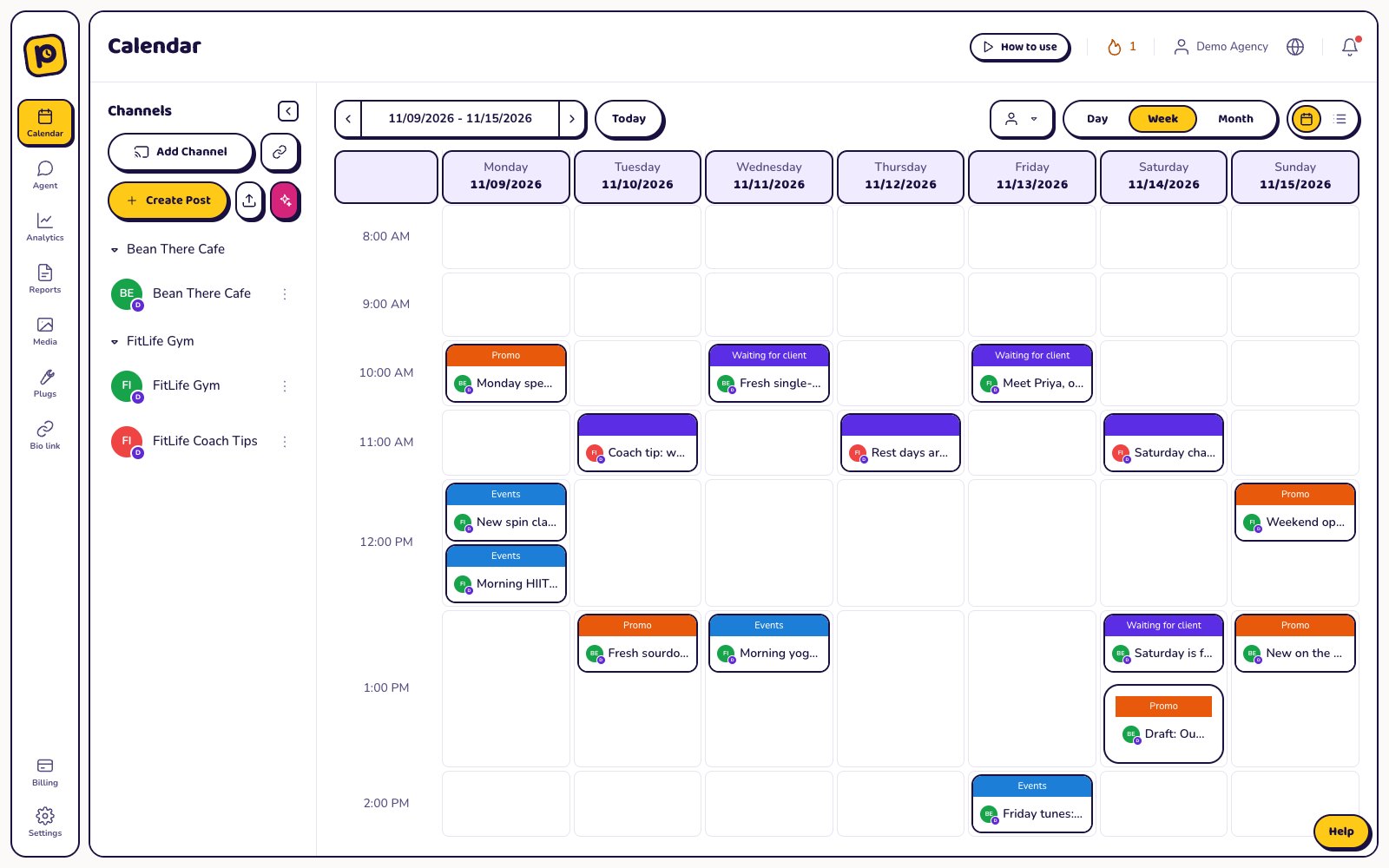
See every post in 1 calendar
Day, week, month and list views for every channel and client.
- Drag a post to move it
- Show 1 client or all of them
- See which posts wait for approval
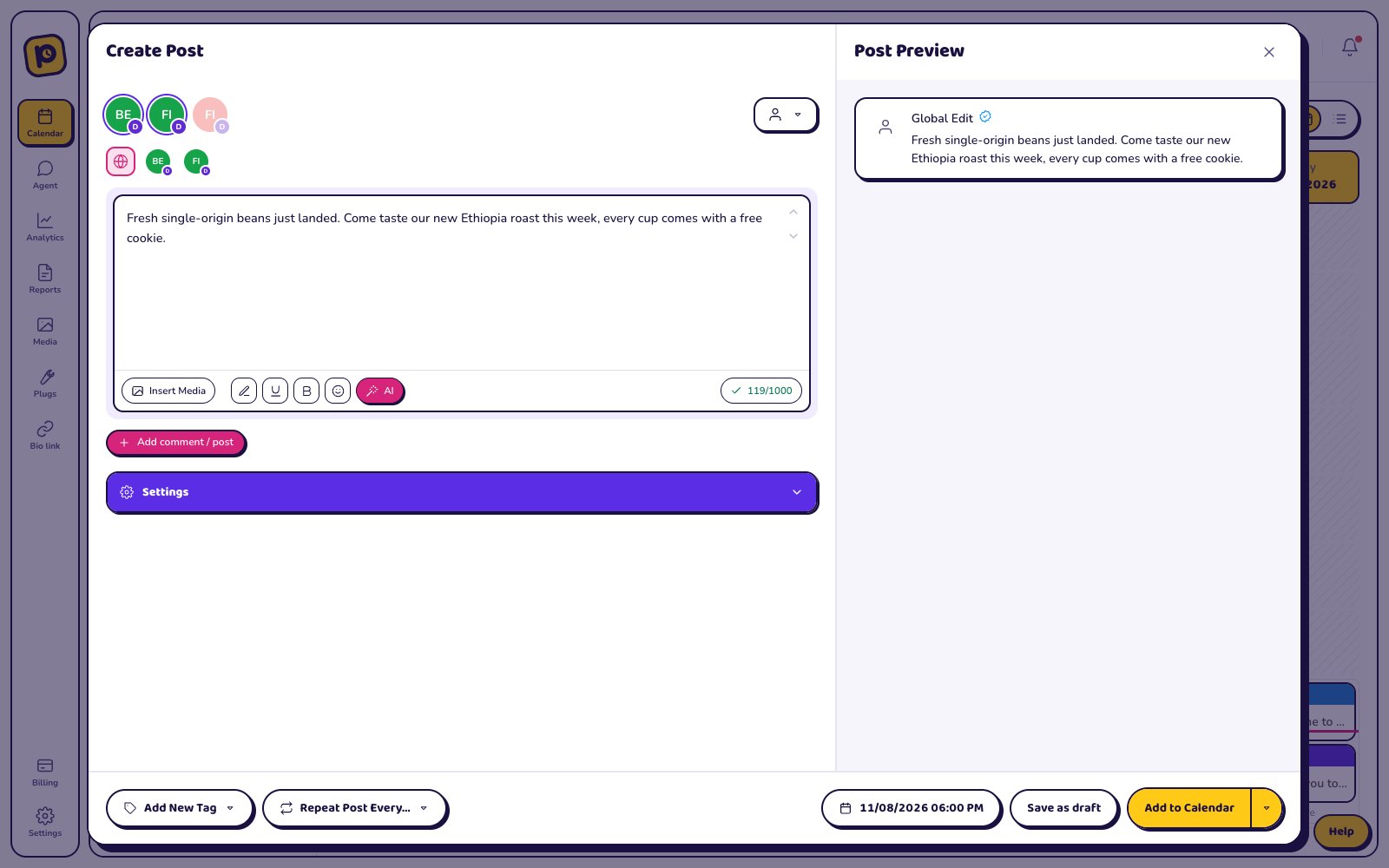
Write once, fit each network
Pick the channels, write the post, then change the text for any channel that needs its own version.
- Live preview for each network
- Each limit is checked before you save
- AI can shorten or rewrite it for you
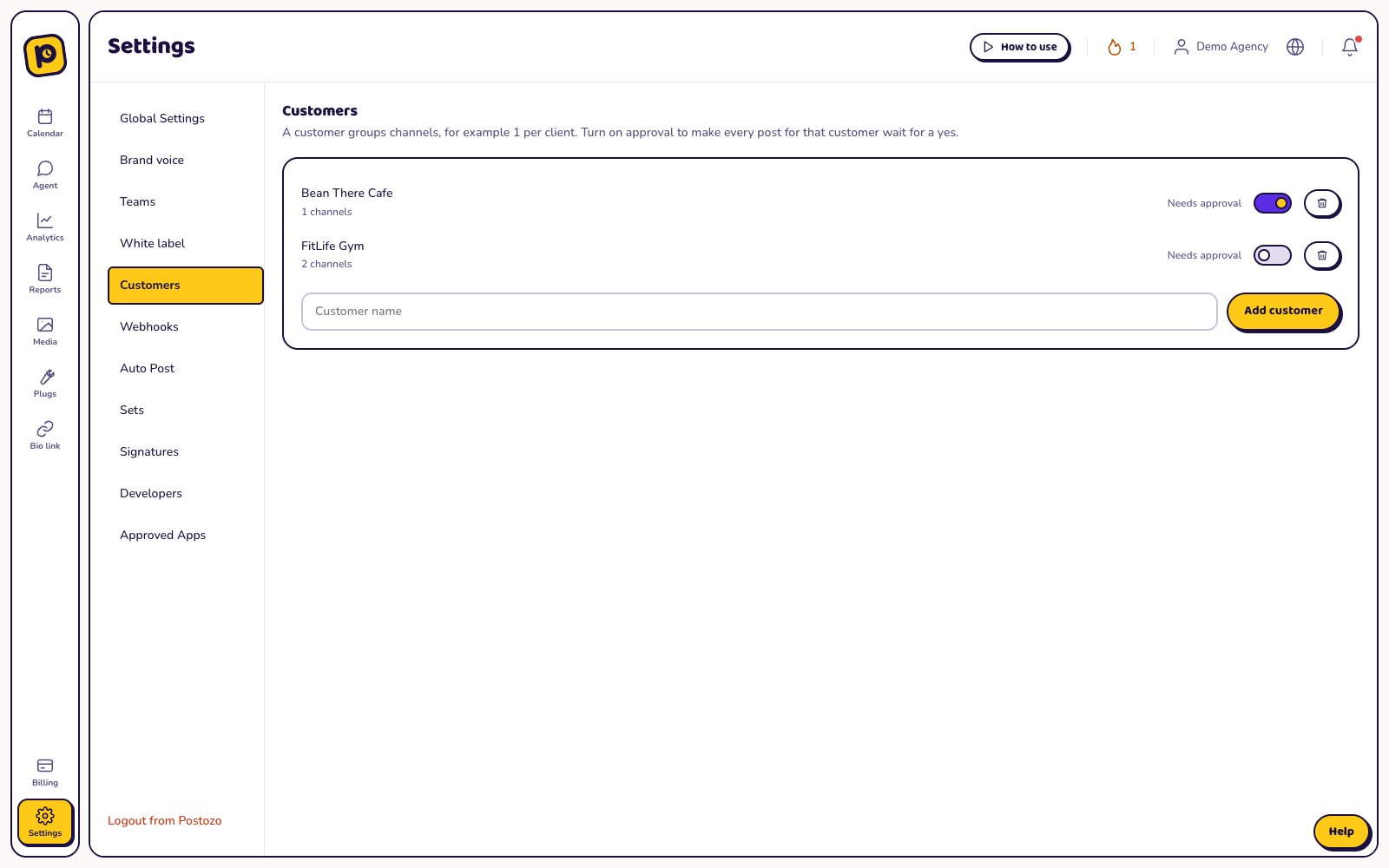
A clear yes before anything goes live
Turn on approval for a client and every post waits for their answer.
- Clients approve or ask for changes from a link
- No account needed to review
- Choose what happens if nobody answers
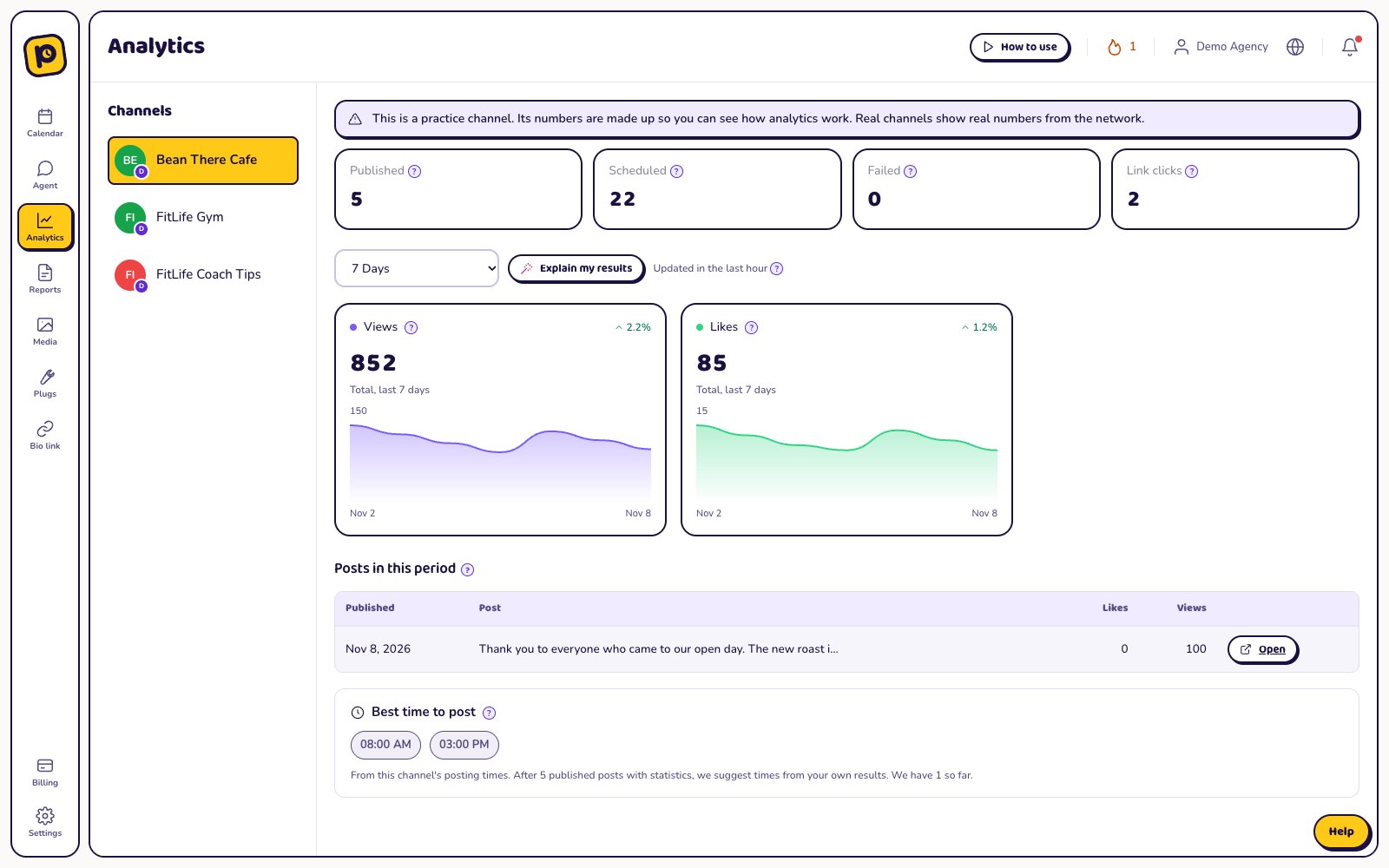
See what works on every channel
Follow results for each channel and each post, count clicks on your links, and find the best time to post.
- Results per channel and per post
- Clicks from built-in short links
- Best times from your own numbers
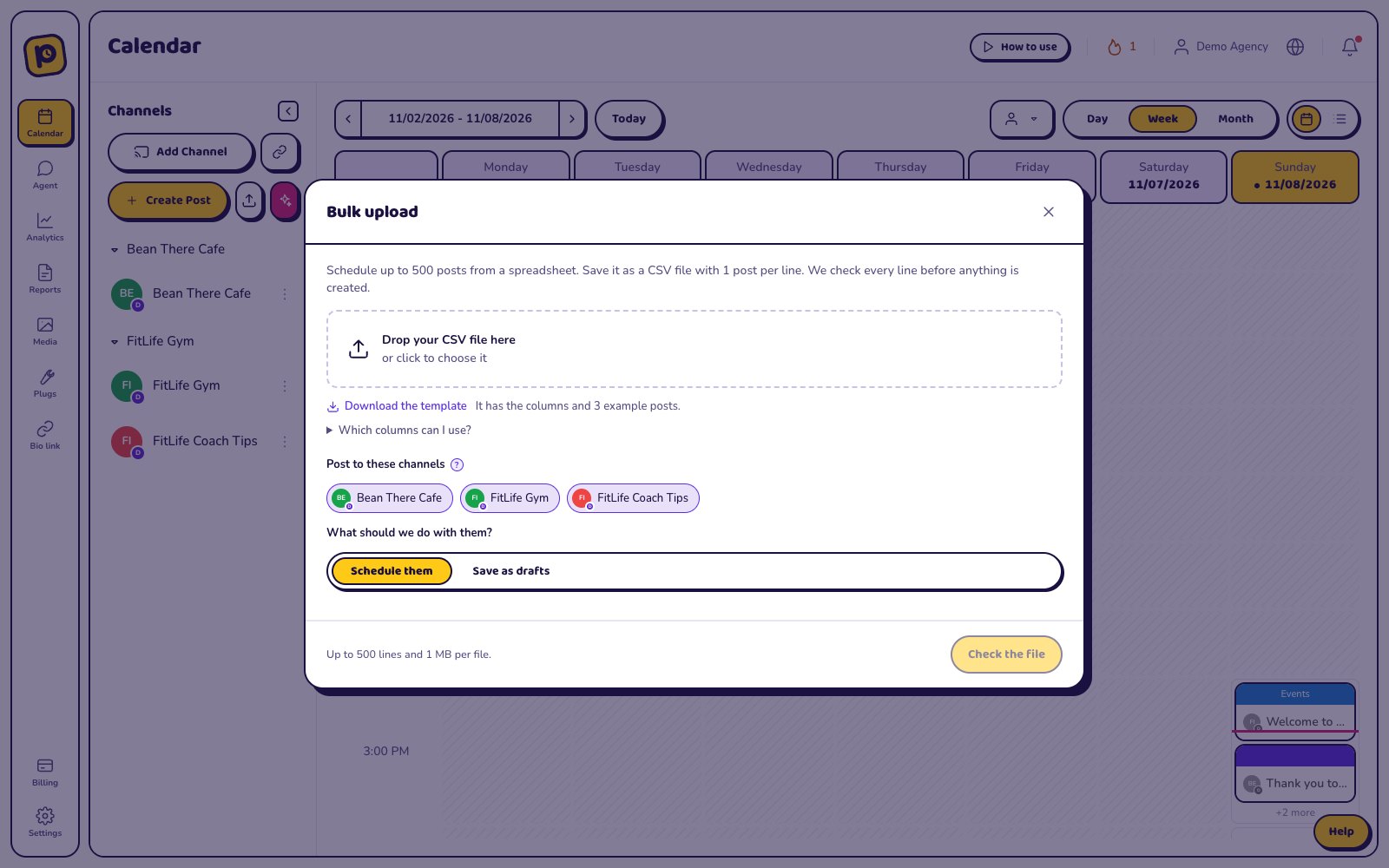
Plan a month from 1 spreadsheet
Upload a CSV file with up to 500 posts. Every line is checked before anything is saved.
- Date, text, channels and a picture link on each line
- Problems shown line by line
- Schedule the posts or save them as drafts
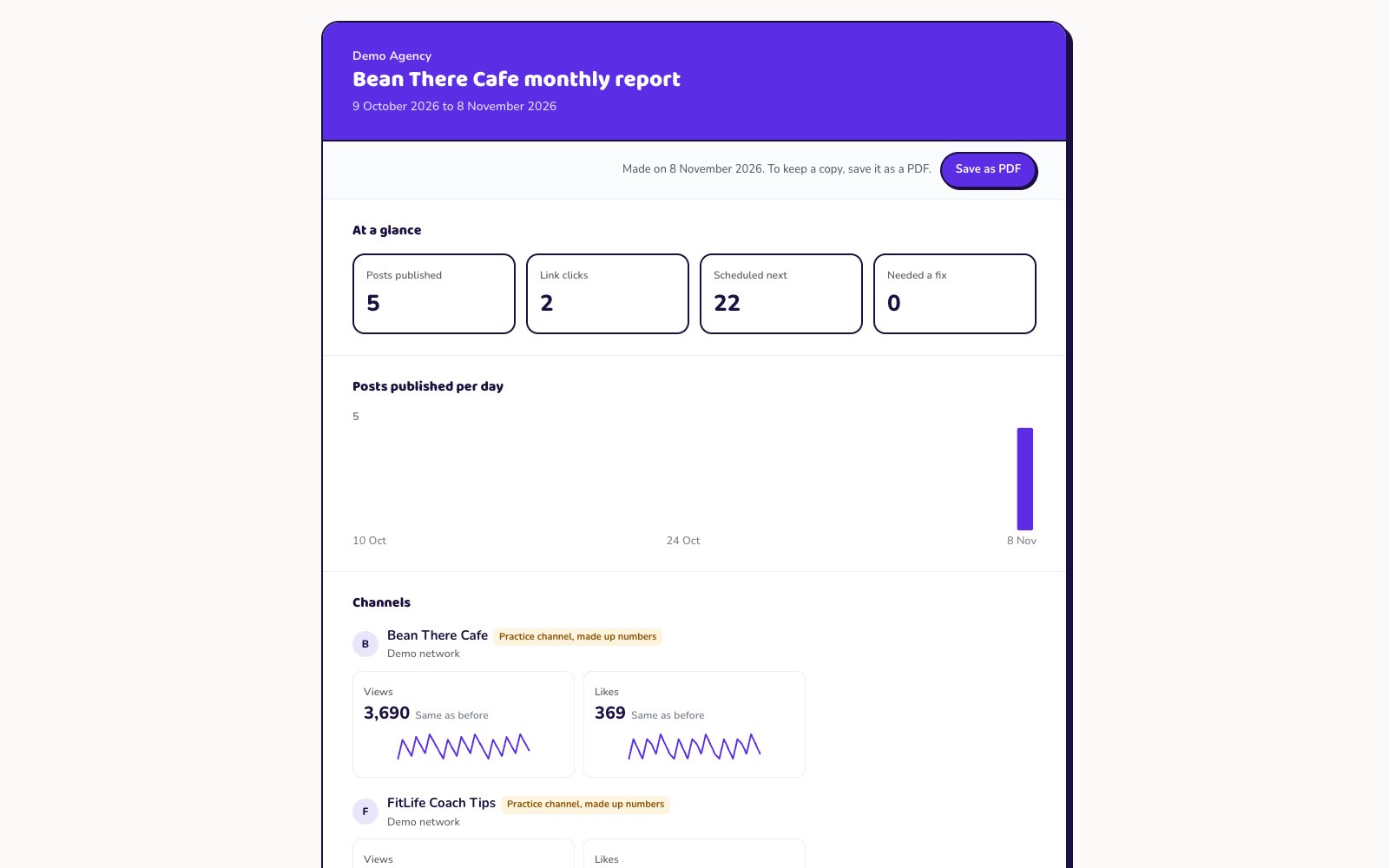
Reports that send themselves
Totals, posts per day, each channel and the top posts on 1 page.
- Share a link or save a PDF
- Weekly or monthly emails to up to 10 people
- Your brand on it with white label
Everything you need to run social media
Built for people who post for more than 1 brand, and for the clients who need to say yes first.
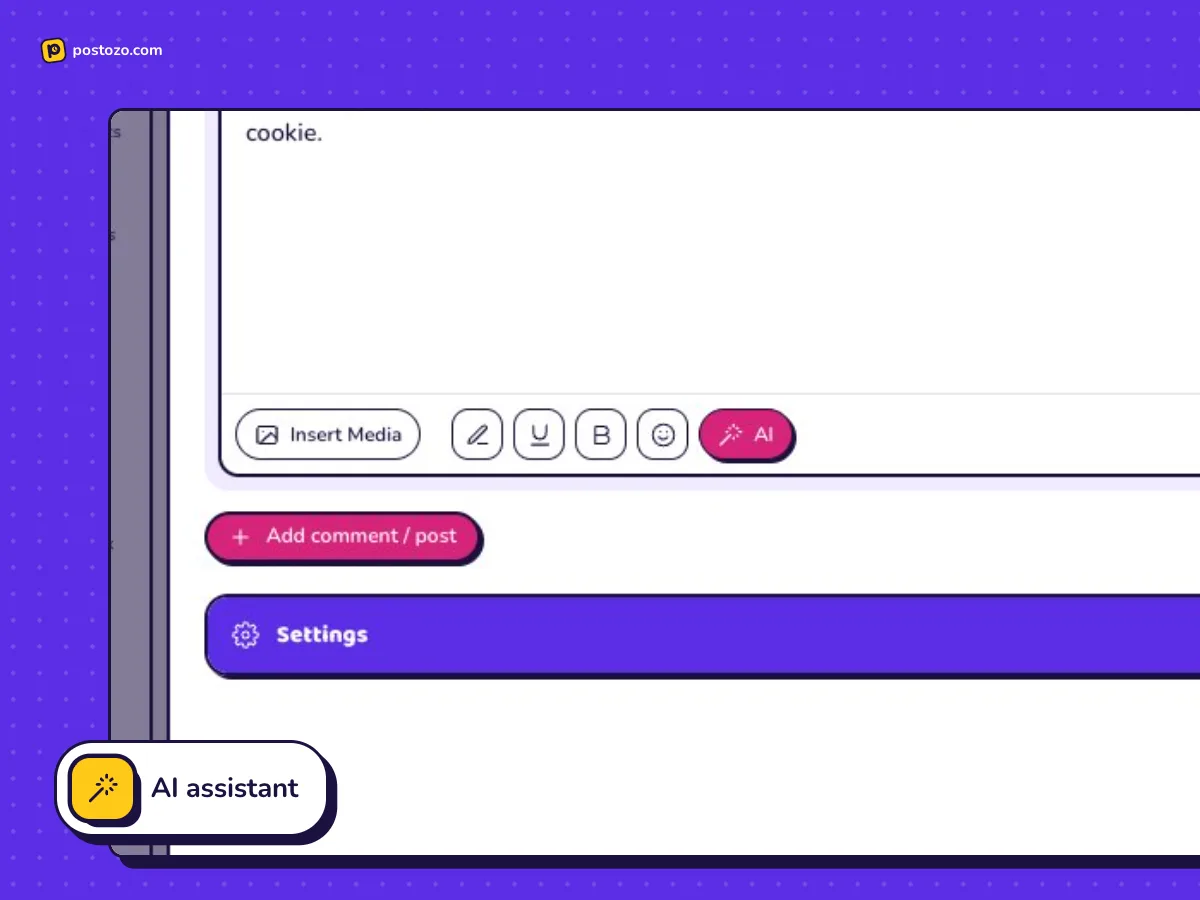
AI assistant
Write from an idea, rewrite, translate into 25 languages, or fit 1 post to each network, in your brand voice.
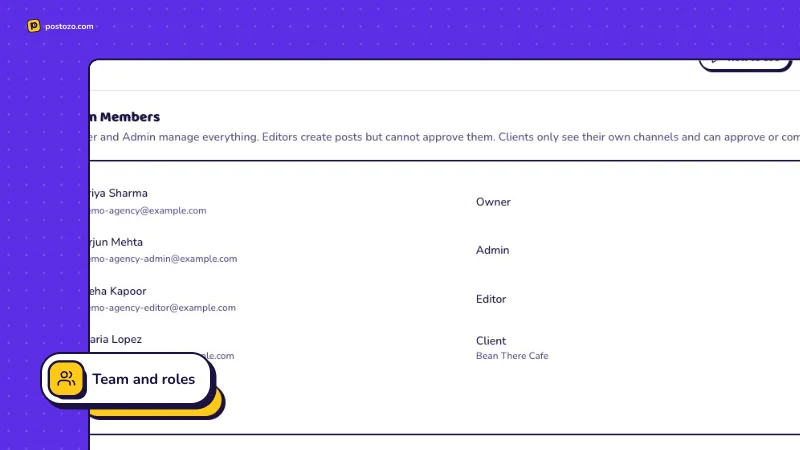
Team and roles
Owner, Admin, Editor and Client. Editors write, admins approve.
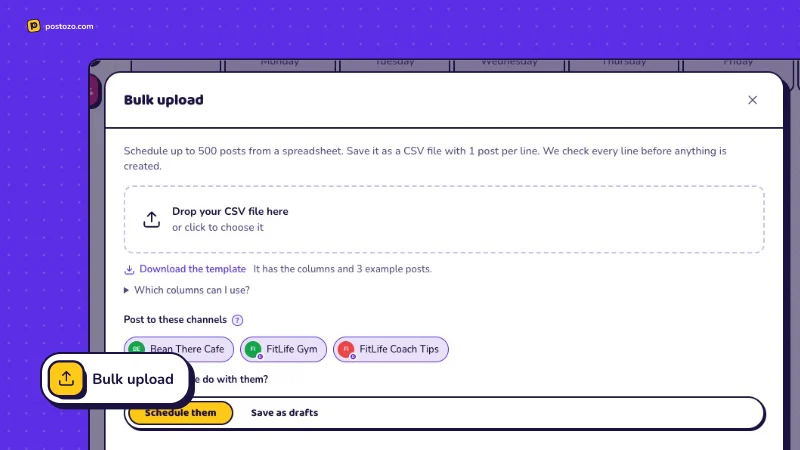
Bulk upload
Schedule up to 500 posts from 1 spreadsheet. Every line is checked first.
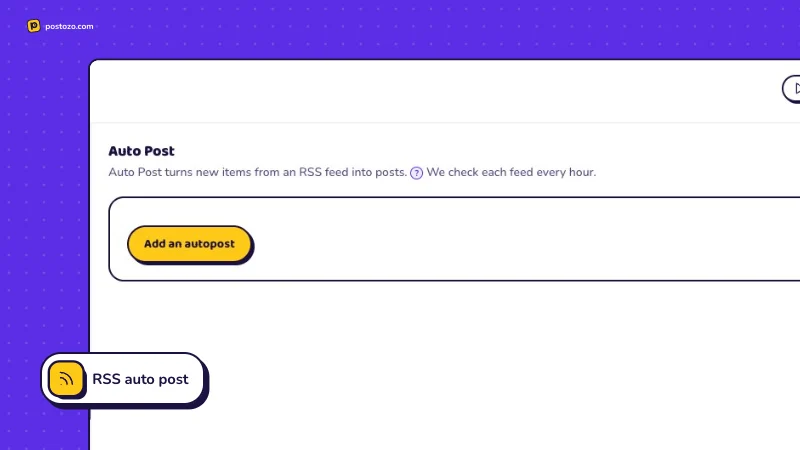
RSS auto post
New blog articles turn into posts on their own.
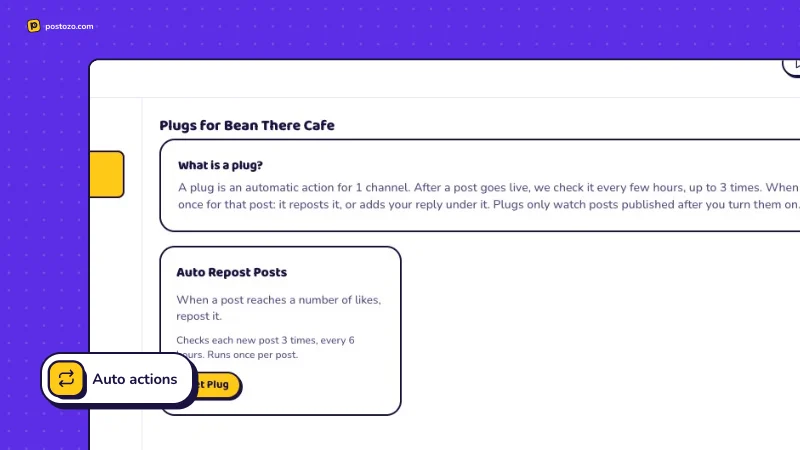
Auto actions
Repost a post, or reply with a link, once it gets enough likes.
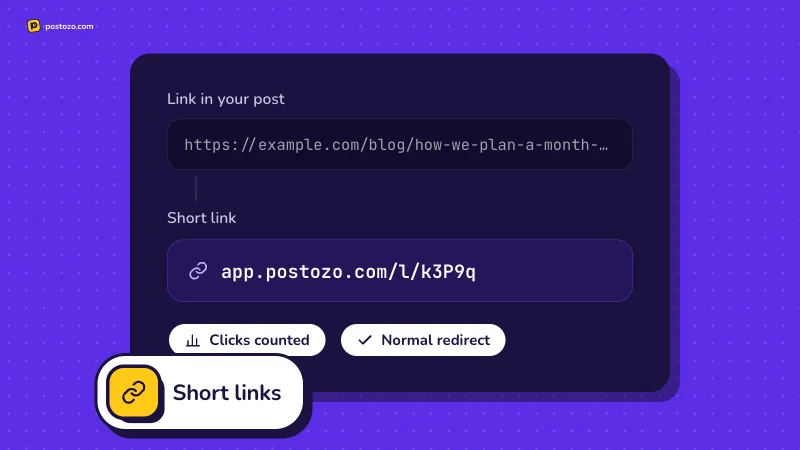
Short links
Links in your posts become short links that count clicks.
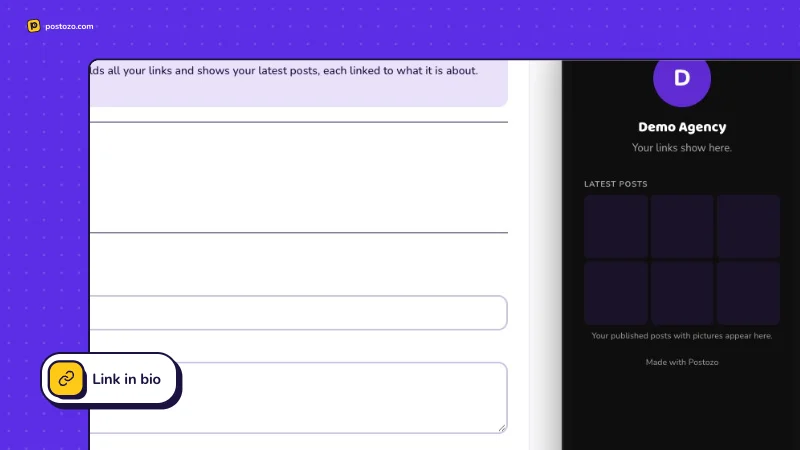
Link in bio
A page with your links and your latest posts.
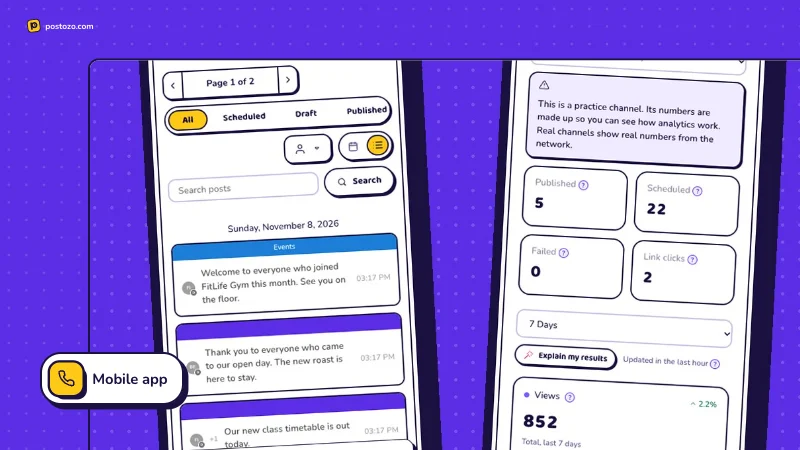
Mobile app
Plan and approve from your phone, with notifications.
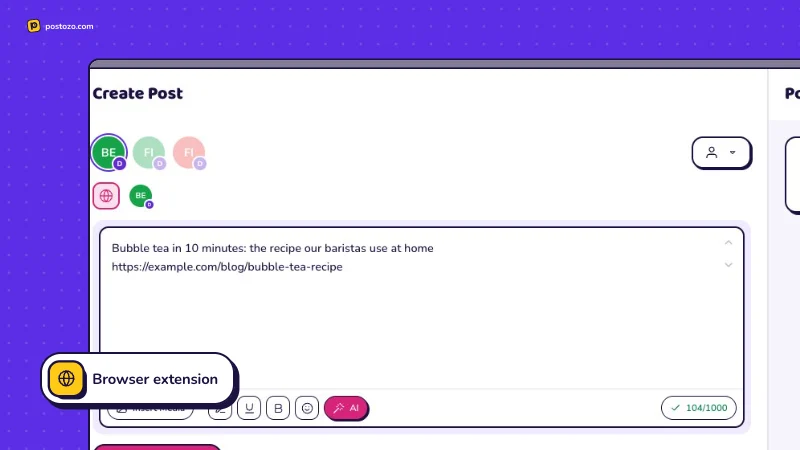
Browser extension
Share any web page to your channels in 2 clicks.
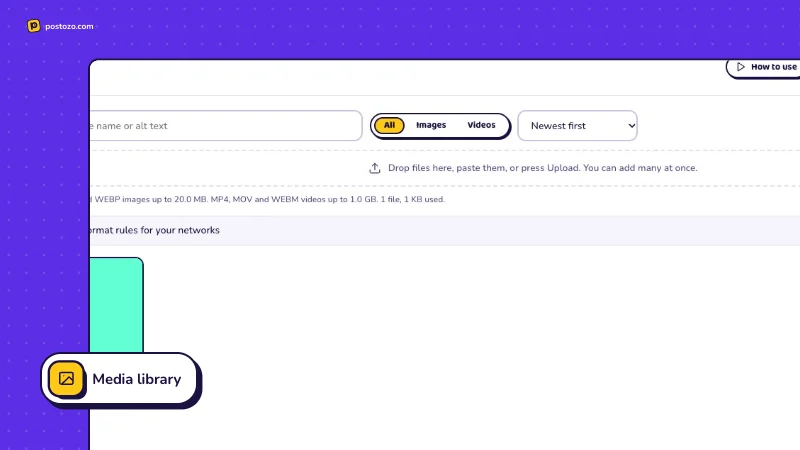
Media library
Upload once, use your photos and videos in any post.
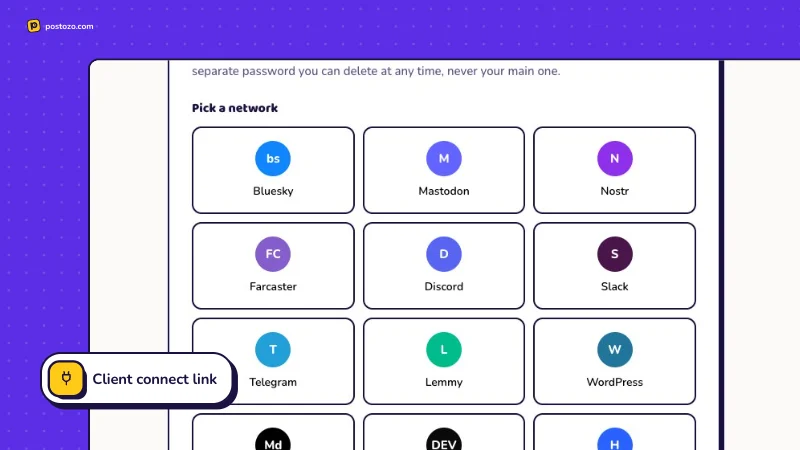
Client connect link
Clients connect their own accounts, no passwords shared.
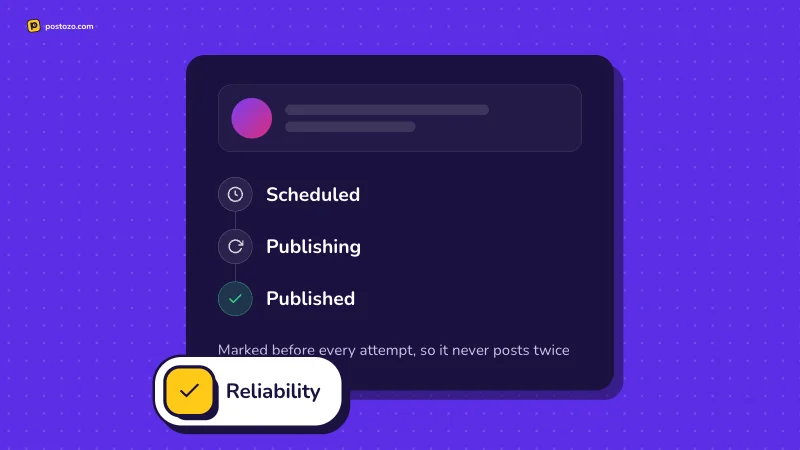
Reliability
Every attempt is marked first, so a post never goes out twice.
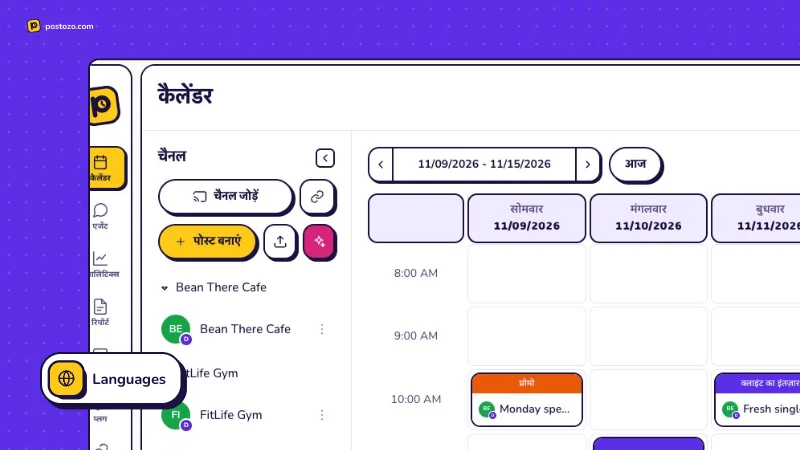
Languages
Use the whole app in Hindi as well as English.
An assistant that knows your brand
Tell Postozo how each brand talks once. Every AI suggestion then follows that voice, and you always see it before it changes your post.
- Write a post from a short idea
- Improve, shorten, or make it more casual or professional
- Translate into Hindi and 24 other languages
- Fit 1 post to the length and style of each network
- Plan a week of draft posts across your channels
- Explain your results in plain words, using only your real numbers
We just added a new Ethiopia roast. Our head roaster picked it for its bright, fruity taste. Come try a cup at the cafe this week.
New Ethiopia roast is in. Bright, fruity, and every cup comes with a free cookie this week.
Fresh beans just landed. Our new Ethiopia roast is here, come taste it this week. #coffee #ethiopiaroast
Example of the kind of text it writes. You review every version before it is used.
Your first post in 5 minutes
Add your channels
Sign in to Facebook, Instagram, LinkedIn and more. No account ready? Start with the practice channel.
Write and schedule
Write once, add pictures, pick a time or use the channel's best posting times.
We publish it
Postozo posts at the right time, checks it went live, and tells you if anything needs your help.
Built to be trusted with your clients' accounts
A post never goes out twice
Before posting, Postozo marks the attempt. If a network does not answer, it checks whether the post already went live before it tries again. If it cannot tell, it asks you instead of guessing.
Errors you can act on
No more "unknown error". You see what went wrong and what to do, for example which picture size a network accepts.
Sign-ins that stay fresh
Network sign-ins are renewed before they run out. If a channel loses access, its posts wait and your team gets an email.
Your data is locked down
Channel sign-ins are stored encrypted. Client members only ever see their own brand.
What 10 channels cost each month
The lowest listed price for 10 channels in each tool, from their own pricing pages, checked on 29 September 2026. Postozo has no fee per user.
Monthly billing where the tool offers it. Metricool prices by brand, not by channel, so it is not shown. Each bar opens the full comparison, including where the other tool is stronger.
Simple plans that grow with you
Start with a 7 day free trial. Every plan has all 30 networks and unlimited posts.
Standard
- 5 channels
- Unlimited posts
- Just you, no team members
- 300 AI writing uses a month
- 20 AI images a month
- RSS auto post not included
- White label not included
- 2 webhooks
Team
- 10 channels
- Unlimited posts
- Team members and client roles
- 1,000 AI writing uses a month
- 100 AI images a month
- RSS auto post
- White label not included
- 10 webhooks
Pro
- 30 channels
- Unlimited posts
- Team members and client roles
- 3,000 AI writing uses a month
- 300 AI images a month
- RSS auto post
- White label for clients: your logo, colour and domain on review links, client emails and the client app
- 30 webhooks
Ultimate
- 100 channels
- Unlimited posts
- Team members and client roles
- 10,000 AI writing uses a month
- 500 AI images a month
- RSS auto post
- White label for clients: your logo, colour and domain on review links, client emails and the client app
- 10,000 webhooks
Find the page you need
How Postozo compares
Honest side by side pages with facts from each tool's own website.
Popular channels
The limits, settings and rules Postozo checks for each network.
Made for the way you work
A page for each kind of team, with the features that matter to it.
Everything in 1 tool
Each feature explained, with screenshots.
Can I post to social media from ChatGPT or Claude?
Yes. Connect Postozo to Claude or ChatGPT once with your personal link (ChatGPT needs its developer mode), then ask in plain words, for example "plan 5 LinkedIn posts for next week". It reads each network's rules, writes the posts, checks them and saves or schedules them on your channels after you say yes. See ChatGPT and Claude.
What is Postozo Chat?
The AI assistant inside the Postozo app. It does the same as ChatGPT or Claude with Postozo, but you need no other app: pick channels, ask for posts, check them and schedule them in 1 place.
What is an AI social media scheduler?
A scheduler you can drive by asking in plain words. Instead of writing and placing each post by hand, you ask an AI app to plan, write and schedule them, and you approve the result. Postozo also has the usual calendar and post editor for anything you want to do yourself.
What is social media scheduling?
You write a post now and a tool publishes it later, at the date and time you pick. A social media scheduler does this for many networks from 1 calendar, so you do not have to be online when each post goes out.
What is the best social media scheduling tool?
The one that covers your networks, your team size and your approval needs at a price that works for you. Postozo is built for teams and agencies whose clients approve posts first. Our comparisons also say where other tools are stronger.
What is the best free social media scheduler?
Postozo is not free after its 7 day trial. Buffer, Metricool, Publer, Planable, Agorapulse list free plans with limits. See the free social media scheduler guide for what each one includes.
Is Postozo a social media management tool for agencies?
Yes. Group each client's channels under a customer, get approval from a review link, and on Pro and Ultimate show clients your own brand with white label. See agencies.
Do my clients need an account to approve posts?
No. Send them the review link of a post. They can approve it, ask for changes or leave a comment. If you want, you can also add them as Client members, who only see their own brand.
Which networks can I post to?
X, LinkedIn profiles and Pages, Facebook Pages, Instagram, Threads, YouTube, TikTok, Pinterest, Google Business Profile, Reddit, Bluesky, Mastodon, Telegram, Discord, Slack, WordPress, Medium, Tumblr and more. 30 in total.
What happens if a post fails?
You get an email and a message in the app with the reason in plain English and how to fix it. Fix the post and press Retry.
Can I try it without connecting my real accounts?
Yes. Add the practice channel. It works like a real network but posts only to a private test page.
Can I use it with Claude, ChatGPT or my own tools?
Yes. Postozo has an MCP server that AI apps can connect to, a public API, a command line tool and webhooks. See AI agents.
Is the AI writing help included?
Yes. Every plan includes AI writing uses each month. It follows the brand voice you set, and it never changes a post until you accept the suggestion.
Post to social media from your AI app today
Create your account, connect a channel, then ask ChatGPT, Claude or Postozo Chat for your first post.
7 day free trial. No card needed.