
Free social media scheduler: what you really get
A plain look at free social media schedulers: the free plans of other tools, the free schedulers inside each network, and the Postozo free trial. Postozo itself is not free after the trial, and we say so up front.
Is Postozo a free social media scheduler?
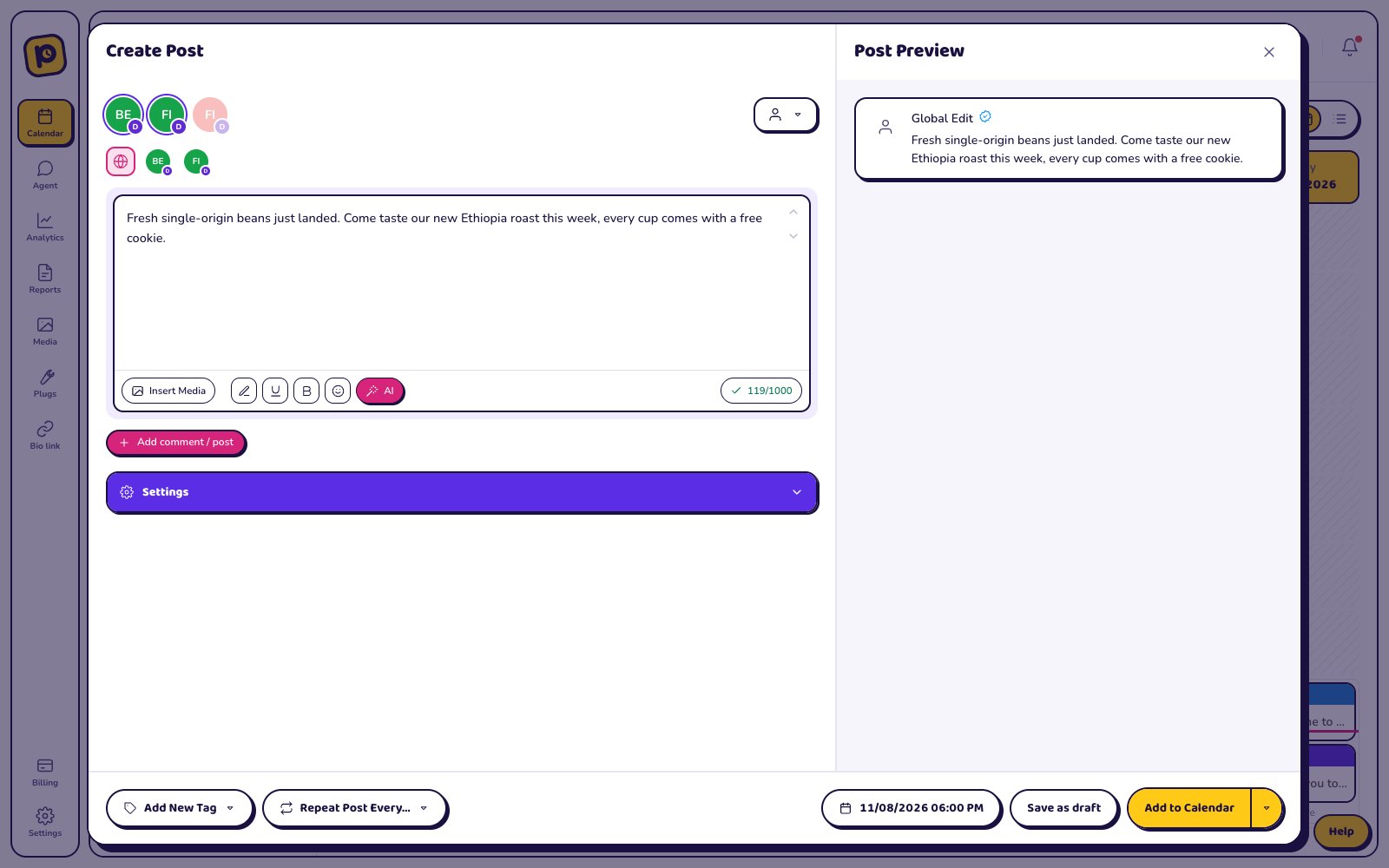
No. Postozo has a 7 day free trial with no card needed. During the trial you get the Team plan features: 10 channels, team members and RSS auto post, plus white label. After 7 days you pick a paid plan, from $19 a month. Your posts are paused, not deleted, until you do. See pricing.
What is free for good: our free social media tools, like the character counter, and the social media calendar template.
Tools with a free plan
These tools list a free plan on their own pricing pages. We checked them on 29 September 2026. Limits change, so check the tool's site before you choose.
| Tool | Free plan, as listed by the tool |
|---|---|
| Buffer | Yes: 3 channels, 1 user, 10 scheduled posts per channel, 100 ideas, 30 days of analytics. |
| Metricool | Yes: 1 brand, 20 posts per month, 30 days of analytics, 5 competitor profiles. LinkedIn and X not included. |
| Publer | Yes: 1 user, 1 workspace, 3 social accounts (no X), 10 scheduled posts per account. |
| Planable | Free until you have used 50 posts. |
| Agorapulse | Yes, after the trial you can keep using a free plan. Limits are not stated on the pricing page. |
Free plans usually cap the number of channels, scheduled posts or users. That is fine for 1 person with 2 or 3 accounts. It gets tight for a business with 5 or more channels, and it rarely covers client approval.
Free trials instead of free plans
Many schedulers have no free plan but let you try them for free:
| Tool | Trial, as listed by the tool |
|---|---|
| Postozo | 7 day free trial, no card needed |
| Postiz | 7-day free trial on every plan |
| Buffer | 14-day free trial of paid plans |
| Hootsuite | 14-day free trial, no credit card |
| Later | 14-day free trial |
| Sprout Social | 30-day free trial, no credit card required |
| SocialPilot | 14-day free trial, no credit card required |
| Publer | 7-day free trial of Professional, 14-day free trial of Business |
| Sendible | 14-day free trial, no card required |
| Vista Social | 14-day free trial, no credit card needed |
| Planable | First 50 posts are free, with no time limit and no credit card |
| Agorapulse | 30-day free trial, no credit card required |
The free scheduler inside each network
Most big networks let you schedule a post inside their own app for free. Meta Business Suite schedules Facebook and Instagram posts. YouTube Studio lets you set a publish time for a video. LinkedIn's own post box has a schedule button. These cost nothing, but each one only posts to its own network. If you post to 4 networks, you open 4 apps, and there is no shared calendar and no approval step.
What to look for in a free social media scheduling tool
- The networks you use. Some free plans leave out X or LinkedIn.
- Posts per month. 10 scheduled posts per channel is about 2 a week.
- Users. Free plans are almost always for 1 person.
- Approval. If a boss or client must say yes, check that the free plan has it.
- What happens at the limit. Do posts stop, or do you get a clear warning?
When paying makes sense
A paid scheduler saves time when you post to many channels, work with a team, or need a client to approve posts. Postozo charges a flat price per plan with no per-user fees. Standard is $19 a month for 5 channels. Team is $29 a month for 10 channels. Pro is $39 a month for 30 channels. Ultimate is $79 a month for 100 channels. Every plan has all 30 channel types and unlimited posts.
Not sure yet? Read the plain reviews of 12 tools, or the alternatives pages, which show the price of each tool at 5 and 10 channels.
What the Postozo trial includes
The 7 day trial has the Team plan features: 10 channels, team members, RSS auto post and white label, plus everything that is in every plan:
| Feature | In the trial |
|---|---|
| Calendar, post editor, previews and checks | Yes |
| Bulk upload of up to 500 posts from a CSV file | Yes |
| Client reports by link, PDF and email | Yes |
| Link in bio pages | Yes |
| Client approval and connect links | Yes |
| The app with push notifications | Yes |
| AI writing help | 200 uses |
| AI pictures | 20 |
A 7 day plan to test any scheduler
A trial is only useful if you test the things you will use every week. This plan works for Postozo and for any other tool:
| Day | What to test |
|---|---|
| 1 | Connect every channel you post to. Note any network the tool cannot reach. |
| 2 | Schedule a full week, by hand and with a CSV upload if the tool has one. |
| 3 | Invite a teammate or a client and send 1 post for approval. |
| 4 | Install the tool on your phone and approve or fix a post from there. |
| 5 | Make a report for a client or a manager and read it on a phone. |
| 6 | Check analytics for each channel and the clicks on your links. |
| 7 | Count what it costs for your real number of channels and people, then decide. |
The hidden costs of a free plan
A free plan costs nothing per month, but not nothing per week. Caps of 10 scheduled posts per channel mean topping up the queue every few days. A free plan for 1 person means sharing a login when a second person helps, which is how passwords end up in chat. No approval step means screenshots sent back and forth. Add up the time and compare it with the cheapest paid plan that removes the problem.
Free, cheap or flat: how the prices work
Tools charge in 4 main ways: per channel, per user (seat), per brand or workspace, or a flat price per plan. Per channel is cheap for 2 or 3 accounts and grows fast. Per user is fine for 1 person and expensive for a team. Per brand suits 1 business with many networks. A flat plan is easiest to predict when the team grows. Postozo is flat: unlimited posts on every plan, and no extra cost per team member from Team up.
Related guides
Social media calendar template
Download a free social media calendar template as a CSV file. See what each column is for, how to fill a week, and when to move to a scheduler.
Read moreSchedule Instagram posts from PC
How to schedule Instagram posts, carousels, Reels and Stories from a PC or laptop in your browser, in 5 steps, plus the rules to check first.
Read moreWhite label social media management
White label social media management on Pro and Ultimate: your agency name, logo and colour on client review pages, the client app and emails, plus a custom domain.
Read moreIs there a free social media scheduler?
Yes. Buffer, Metricool, Publer, Planable, Agorapulse list a free plan, with limits. Each network's own app can also schedule its own posts for free.
Is Postozo free?
No. There is a 7 day free trial with no card needed. After that, plans start at $19 a month.
What is the best free app to schedule social media posts?
It depends on your networks and how many posts you need. Compare the free plan limits in the table above with how often you post.
Can I schedule posts for free on Instagram and Facebook?
Yes. Meta Business Suite, Meta's own tool, can schedule posts for both at no cost.
Do I need a card for the free trial?
No. The Postozo trial starts without a card. You add payment only when you pick a plan.
What happens to my posts when the trial ends?
Scheduled posts are paused until you pick a plan. Nothing is deleted.
What is included in the Postozo free trial?
The Team plan features for 7 days, including bulk upload, client reports, link in bio, approval, the app and AI help. No card needed.
Is a free plan enough for a small business?
For 1 person with 2 or 3 accounts and a few posts a week, often yes. With 5 or more channels, a team or clients who approve, a paid plan usually saves time.
Start planning your posts today
Create your account and publish your first post in 5 minutes.
7 day free trial. No card needed.